
Portraits
AI Age Progression
A respectful look at the years ahead
Starter credits come with your account — and there's no card to enter.
- 1Upload a clear, well-lit portrait
- 2Pick a step, a target age, or a styled mode
- 3Meet the older face, compare, and download
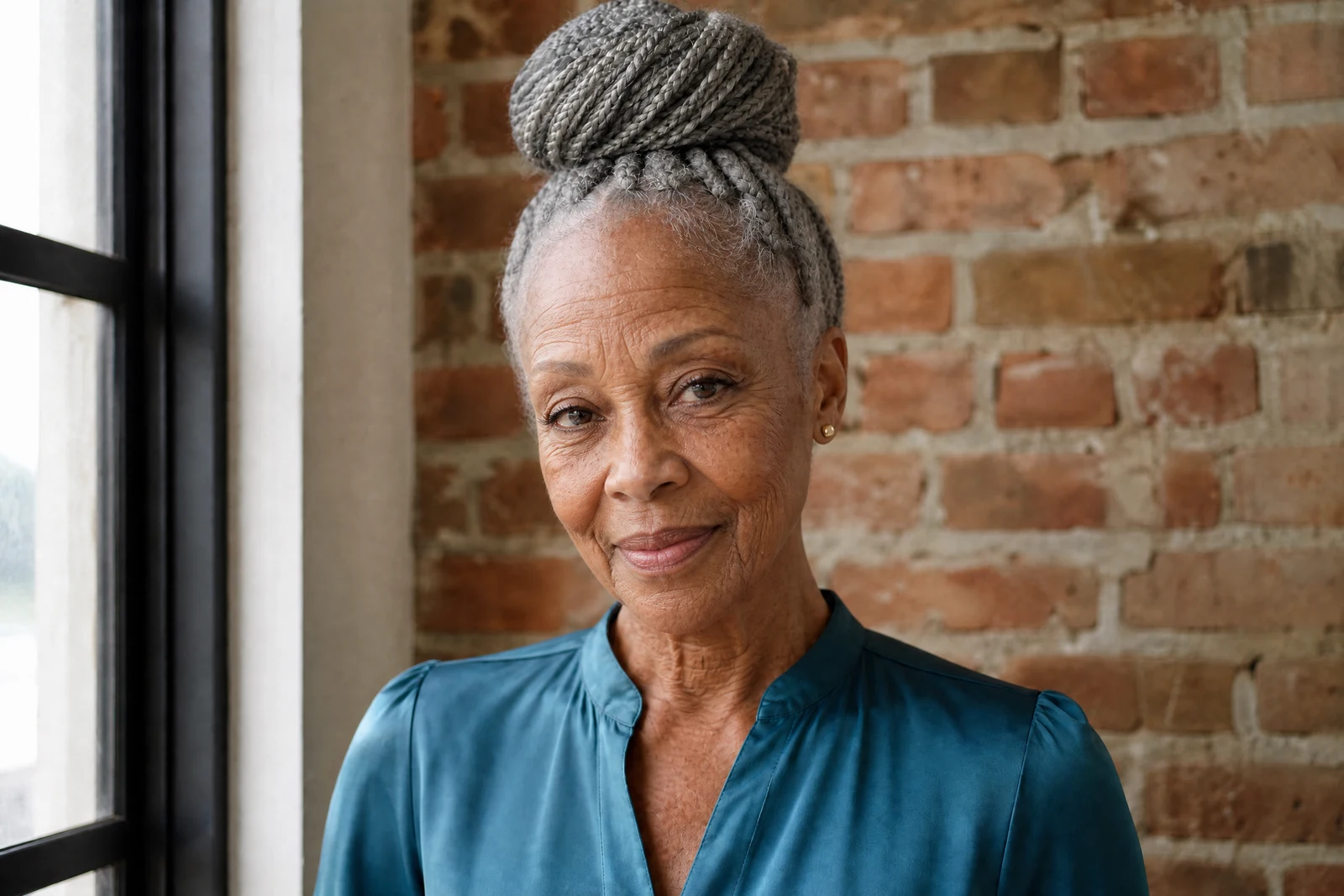
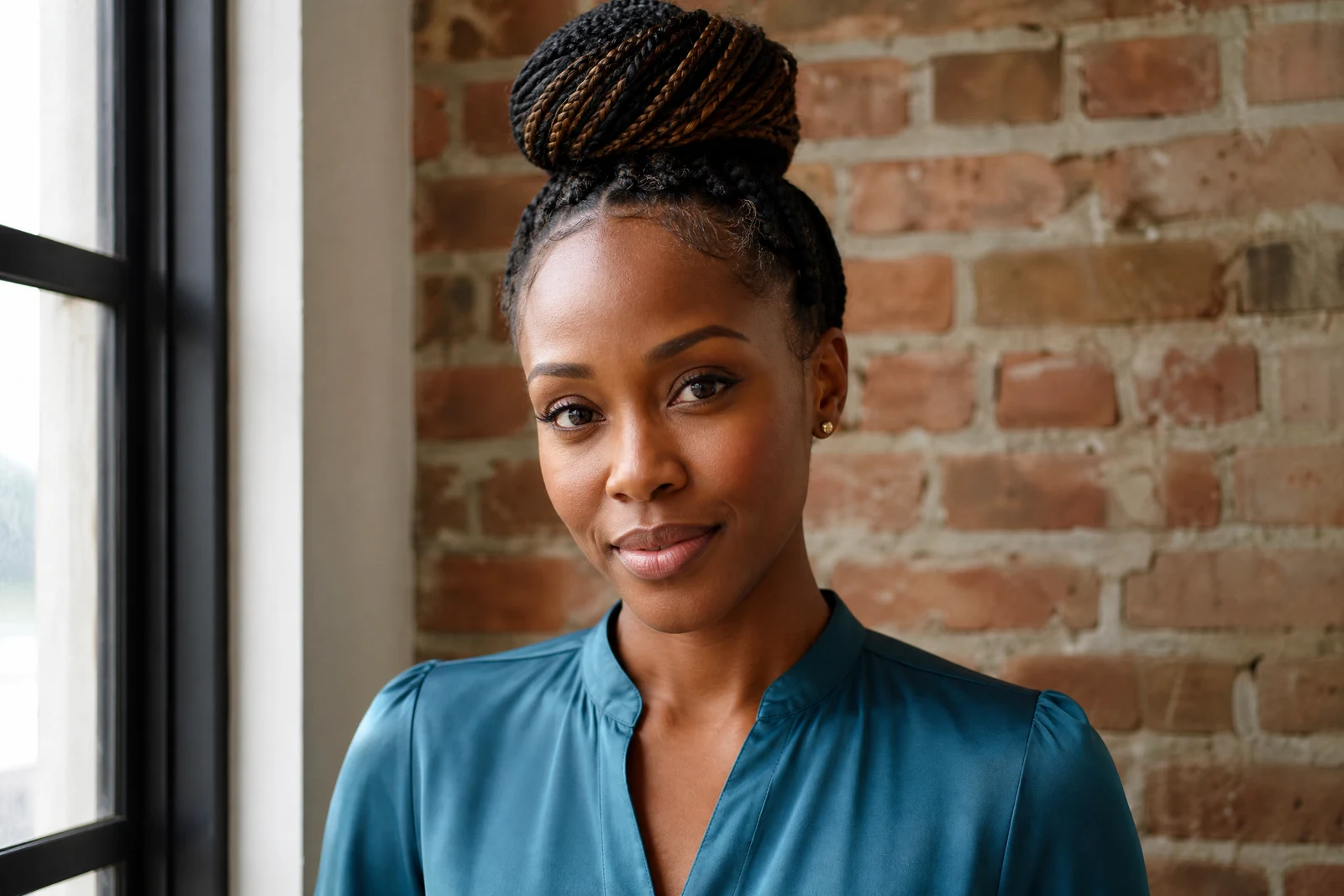
Straight out of the editor, unretouched — slide the handle to see the change.
Curiosity about our older selves is ancient; the means to look have not been. Age progression renders the years forward on a face — the gradual story of lines, silvering hair, and changing contours — applied to the person in your photo rather than to an average of strangers.
The controls come in three flavors. Relative steps (+10 to +40 years) age forward from wherever the person is now. Target ages (50 through 80) render the face at a specific stage, useful when several people in a project should meet at the same age. And two styled modes skip the arithmetic: Graceful Aging renders the flattering version of growing older, while Distinguished leans into the silver-haired gravitas that some faces are clearly saving up for.
People use it for engagement-party slideshows ('us at 80'), for family timelines built alongside Age Reduction, and sometimes for quieter personal reasons — imagining a parent who never reached the age in question. Each render takes seconds; the reactions tend to last longer.
Why this tool
- Send what you finish here straight into every other tool
- Standard, Pro and Max quality tiers
- Results land in your creations library
- Enlarge for printing, or set the still photo in motion as video
Frequently asked questions
Is this what the person will actually look like?
It is a rendering of typical aging applied to this face — genetics, life, and luck will write the real version. Treat it as a portrait of a possibility, which is exactly what makes it fun.
What do the Graceful and Distinguished modes do?
They trade year-counting for character: Graceful renders aging at its kindest — softly silvered, well-rested — while Distinguished aims for the commanding older look of a favorite professor or screen actor.
Which photos work best?
Sharp, front-facing, evenly lit portraits give the aging process the most to work with. Strong shadows or heavy filters on the source tend to carry oddly into the aged render.
Can I try it free?
Yes — signup comes with 4 free credits, enough for one Standard-quality aging render.
Can I try AI Age Progression for free?
Yes — every new account starts with 4 free credits, enough to run this tool once at Standard quality. No credit card required.
Related tools